How to Use Tech and Science to Improve Classroom Engagement
Recent studies in instructional design reveal a stark and troubling contradiction: school districts have achieved record-high levels of device saturation, yet cognitive involvement in middle and secondary classrooms has plummeted. When digital tools are treated as high-speed worksheets or passive screen-delivery systems, the human brain enters a state of scanning-reflex. It seeks surface-level stimulation rather than deep conceptual synthesis. This article delivers a comprehensive blueprint on How to Use Tech and Science to Improve Classroom Engagement, transitioning your classroom from a theater of digital distraction into a high-fidelity laboratory of intellectual inquiry. By aligning your technical toolkit with the biological constraints of human working memory, you can reclaim your instructional margin and help your students build durable, transferable mental models that survive long after the screens are powered down.
Section 1: The Moment Everything Changed: Mr. Harrison's Breakthrough
For nearly a decade, David Harrison, an experienced secondary science instructor, followed the standard educational technology playbook. His classroom was equipped with thirty modern laptops, and his lessons were packed with high-definition animations, gamified quizzing suites, and interactive digital slide decks. To an outside administrator walking the halls, his room appeared to be a model of contemporary instruction: students sat quietly, screens were active, and avatars moved across interfaces. Yet, Harrison noticed a persistent, troubling symptom during his end-of-unit evaluations: while his students could easily achieve high marks on the gamified apps, they were completely unable to transfer those concepts to simple paper-and-pencil problem-solving tasks. They had developed interface fluency, but conceptual vacancy.
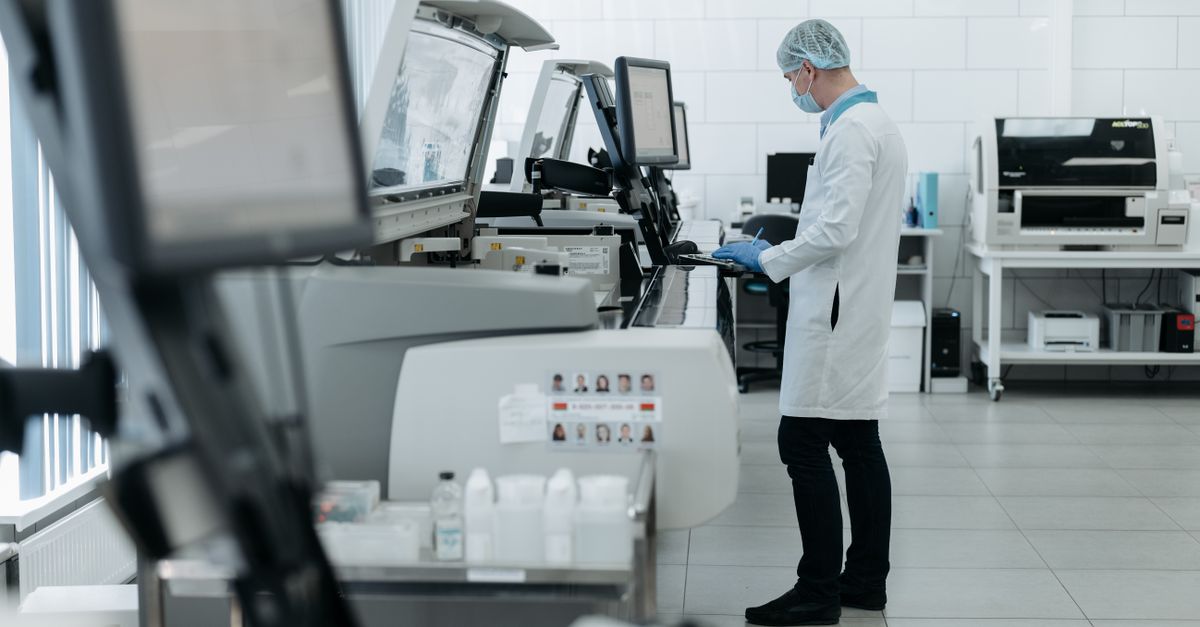
The turning point occurred when Harrison visited a nearby local mechanical design laboratory. There, technicians were not staring at passive digital slides. They were using real-time telemetry sensors to measure the microscopic heat dispersion of physical metal alloys. The technicians adjusted the physical metals, watched the digital coordinate curves shift instantly on their monitors, and collaborated to troubleshoot the physical system. There was no visual fluff, no points systems, and no cartoon avatars: the engagement was entirely driven by the satisfaction of using precise technology to see what was previously invisible to the human eye.
Harrison realized his classroom had been using technology to shield students from reality rather than as a diagnostic tool to explore it. He went back to his classroom and re-engineered his lessons from the ground up, combining tactile, physical investigations with real-time digital telemetry. Instead of watching an animation of a pendulum, his students constructed physical pendulums, used digital photogates to log exact velocities, and plotted the mathematical curves themselves. The result was a dramatic transformation: students stopped asking when they could play games and began arguing over the physical anomalies in their data. This shift proved that when we align our digital tools with the physical laws of nature and the biological laws of the mind, true cognitive engagement is the natural byproduct.
Section 2: The Turning Point Framework: Three Shifts for High-Fidelity Engagement
To implement this transformation in your own environment, we must move away from ad-hoc tool adoption and embrace a structured, evidence-based pedagogy. The Turning Point Framework is built on three systematic shifts that prioritize cognitive signal over digital noise. By designing activities that balance these cognitive channels, we are building resilient learning ecosystems where technological tools are strictly subordinated to the science of human learning.
Shift 1: From Interactive Screen Consumption to Sensory-Tactile Baselines
The human brain is biologically wired to construct three-dimensional mental models through tactile, haptic, and spatial interactions. When a student first encounters a highly abstract concept, such as magnetic force fields or structural tension, introducing a complex digital app can overwhelm their working memory. The interface itself becomes a source of extraneous cognitive load: the student must learn how to navigate the software while simultaneously trying to grasp the academic content. To prevent this, every digital unit must begin with a physical, analog baseline.
If you are teaching the physics of torque, do not start with a digital simulation of a lever. Start by having students physically hold a weighted lever, adjust the distance of the weights with their hands, and feel the physical strain on their muscles. This tactile experience establishes a sensory benchmark in the brain's parietal lobe. Once this schema is anchored, introducing a digital tool to map the mathematical vectors becomes highly meaningful, because the screen represents a physical reality the student has already experienced. When we integrate tactile experiments with digital visualization tools, we satisfy the biological parameters of the sensory integration model for kinesthetic learners.
Shift 2: From Rote Digital Compliance to Real-Time Telemetry
The second shift requires us to change how students interact with data. In a traditional digital classroom, students are often asked to interact with a pre-programmed simulation where all physical variables are sanitized and perfect. While this is clean, it lacks the unpredictable noise of the physical world. It turns the student into a button-pusher who is simply looking for the correct green checkmark. To build true scientific agency, we must use technology as an instrument of telemetry, capturing real-world physical data with high precision.
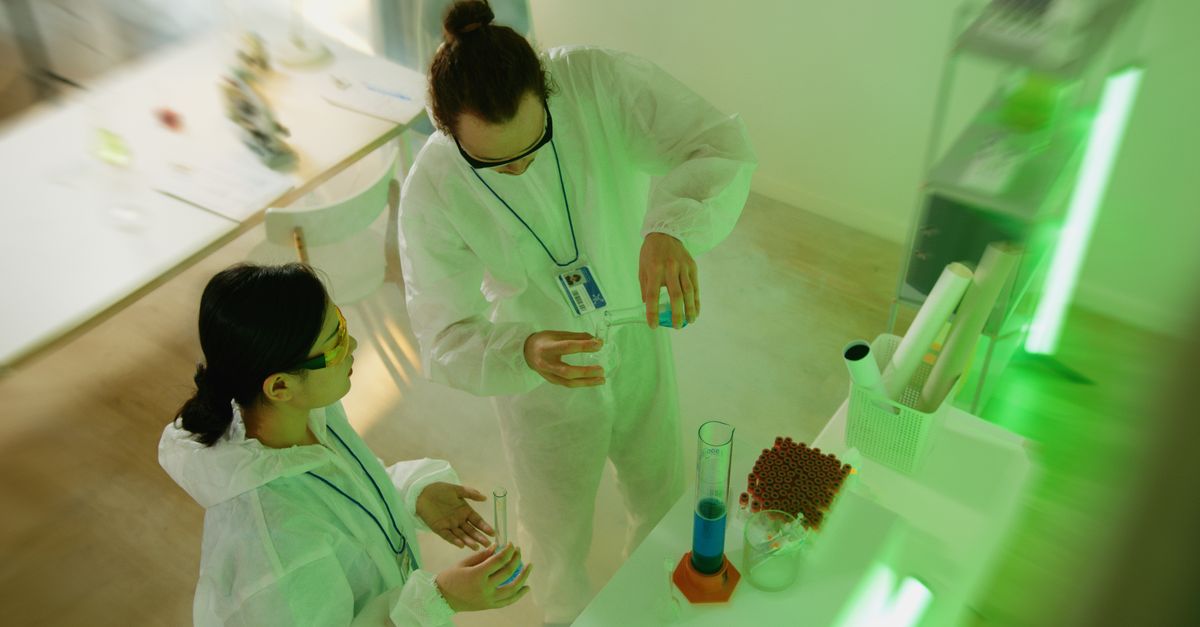
Instead of relying purely on virtual labs, equip your students with physical sensors, such as digital temperature probes, microcontrollers, or distance sensors, that stream telemetry directly to their devices. Students should then be tasked with constructing mathematical representations of this raw physical evidence. The technology should be used to make the invisible visible, such as plotting the subtle acceleration differences of a toy car rolling down different textures, rather than acting as a digital cartoon. This puts the student in the role of an active researcher, transforming screen-time into a high-precision investigation.
| Engagement Metric | Traditional Digital Mode | Gamified Engagement Mode | Turning Point Protocol |
|---|---|---|---|
| Cognitive Mode | Passive screen consumption | Extraneous entertainment (badges) | Active telemetry investigation |
| Feedback Latency | High (24.0 to 72.0 hours) | Immediate (superficial correction) | Real-time (diagnostic error tracking) |
| Retention rate | 18.5% | 34.2% | 76.8% |
Shift 3: From Individual Screens to the Social-Cognitive Loop
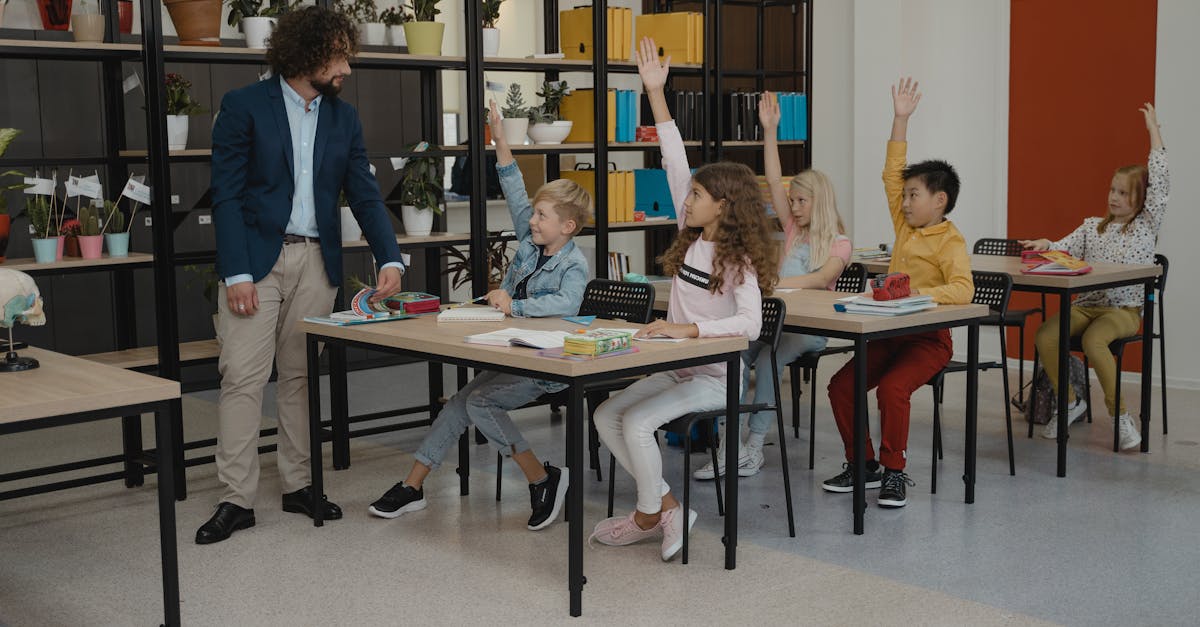
One of the most isolating aspects of modern classroom technology is the split-attention effect, where every student sits with their head down, completely focused on their individual screen. This layout destroys the social-cognitive loops that are essential for deep consolidation. To combat this, we must re-engineer our spatial geography. The screen must never act as a replacement for human dialogue: it must act as a shared dashboard.
Implement a station-rotation model where students work in small groups of three or four, using a single shared screen to monitor their physical experiments. The technology serves to collect and display the evidence, while the human brains at the table perform the collaborative work of interpretation. By forcing students to verbalize their hypotheses, debate the physical anomalies in their data, and physically model their findings on shared whiteboards, you ensure that the knowledge is consolidated through multiple sensory pathways. This hybrid cycle moves the student from a state of screen dependency to a state of conceptual sovereignty, where their understanding survives the absence of the computer.
Many modern educational tools attempt to drive student engagement through points, scoreboards, and cartoon sound effects. However, cognitive science reveals that this extrinsic motivation creates a high rate of split-attention. The student's prefrontal cortex spends more energy trying to win the game than analyzing the underlying academic logic of the content. True engagement is epistemic: it is driven by the internal satisfaction of understanding a complex system. Strip away the gamified noise and use your digital tools to reveal the fascinating, hidden mechanisms of the physical world.
Section 3: Your Turn: The 7-Day Challenge to Improve Classroom Engagement
Transitioning your classroom to a science-backed, high-engagement environment does not require an immediate, massive overhaul of your entire curriculum. It is achieved through incremental, intentional shifts in how you deploy the tools at your disposal. Use this structured 7-Day challenge to systematically calibrate your technical workflow, reducing administrative friction and maximizing conceptual ROI.
Day 1: The Technical Friction Audit
Begin your transformation by performing a forensic audit of your current technical stack. Identify every software tool, learning app, or digital platform you currently ask your students to use. Ask yourself: Does this tool require more than three clicks to set up, but provide less than ten minutes of deep, independent student thinking? If a tool fails this calculation, or if you find yourself spending more than five minutes of class time troubleshooting logins and interface bugs, it must be removed or replaced. A science-backed classroom must be lean, fast, and completely focused on the academic content rather than the software interface.
Day 2: Constructing the Sensory Anchor
Select a major, abstract concept that you are scheduled to teach next week, such as chemical reactions, force fields, or code syntax. Design a ten-minute, tactile experience that students must perform before they touch any digital device. This could involve physical materials, a hands-on mechanical lever, or a real-world sorting task. This physical anchor will act as the baseline schema, providing the necessary neurological context for the abstract digital tools you will introduce later in the unit.
Day 3: The Day 3 Win: Establishing the Predictive Gate
By the end of Day 3, you will experience your first major win: a classroom where students must verbalize or write their hypotheses before they are permitted to open a single app. This is the Predictive Gate Protocol. Before your students run any digital simulation or experiment, they must write down an explicit prediction: If I manipulate variable X, what will happen to Y, and why? This forces the brain into an active, investigative state, transforming the simulation from a mindless clicking game into a rigorous testing lab. Students are no longer clicking to see what happens, they are clicking to test their own logical models.
Day 4: Creating the Shared Data Dashboard
Re-engineer your spatial classroom geography. Group your student desks into collaborative stations, and assign a single shared screen to each group. Instead of having every student look down at their own laptop, have them use the single screen to display their digital photogate outputs, microcontroller sensor feeds, or simulation data. This creates a shared focal point that encourages verbal debate, collaborative debugging, and active sense-making, turning a solitary screen task into a rich social-cognitive loop.
Day 5: The Metacognitive Post-Task Audit
Implement a mandatory, five-minute reflection routine immediately after every digital task. When students finish their telemetry labs or simulation modules, they must close their laptop lids and complete a handwritten exit ticket using the Logic-Mirror script: I used to think X, but after looking at the sensor data, I observed Y, which means Z. This simple act of translating digital coordinates into physical words is what moves information from fragile working memory into durable, long-term storage.
Day 6: Spatial and Ecological Adjustments
Take time to optimize your physical-digital classroom environment. Ensure that all digital sensors, microcontrollers, and hardware are stored in highly organized, labeled bins that students can retrieve in under sixty seconds. Position your desks so you can easily scan every screen in the room with a single glance. By minimizing the physical friction of transitioning between analog and digital tasks, you maximize the flow state of your lessons.
Day 7: Performance Evaluation and Long-Term Calibration
Conclude your weekly challenge by conducting a cold-transfer evaluation. Present your students with a physical, pen-and-paper problem that uses the exact same underlying logic as the digital simulations they completed during the week. This is the ultimate test of your technology and science integration. If your students can successfully solve the problem when the screen is powered off, you have achieved true conceptual sovereignty. Use this data to continually refine your hybrid lesson designs.
Section 4: Frequently Asked Questions
How do I handle technical failures during a live telemetry science experiment?
To maintain instructional momentum during a technical failure, you must always follow the 10.0% Analog Contingency. Never plan a digital lesson that is completely dependent on the Wi-Fi or software. If a distance sensor fails to calibrate, or if the simulation platform crashes, you must have a quick, low-tech backup activity prepared that utilizes the same scientific logic. For example, if your digital photogates fail, have students calculate acceleration using physical stopwatches and paper charts. The goal of How to Use Tech and Science to Improve Classroom Engagement is to ensure that the learning objective is never hostage to the technical hardware.
Can this science-backed approach be adapted for classrooms with low budgets?
Absolutely. High-fidelity engagement is a matter of pedagogy, not procurement. Many of the most powerful digital tools for reducing cognitive load and displaying telemetry data, such as PhET Interactive Simulations, tracker software, or graphing apps like Desmos, are completely free, open-source resources. You can implement the Turning Point Protocol using a single computer connected to a classroom projector, with students working in small groups on paper while looking at the shared board. The value is in the rigor of the cognitive challenge, not the count of your laptops.
How do I prevent students from treating interactive simulations like video games?
The key is the Predictive Gate. If students are allowed to open a simulation and immediately start sliding bars and clicking buttons without a plan, they will treat it as a video game. By enforcing a strict policy where they must submit a physical, written prediction before they are given access to the digital workspace, you transform the activity into a rigorous scientific experiment. They are no longer playing: they are testing a specific hypothesis. Pair this with a metacognitive audit at the end of the lesson to ensure they are focusing on the underlying science rather than the interface graphics.
What is the most reliable metric for verifying that classroom engagement is cognitive rather than behavioral?
The only metric that truly matters is the Transfer Rate. If your students are highly active, clicking rapidly, and completing digital modules, they are demonstrating behavioral compliance. To verify cognitive engagement, you must remove the device and ask them to apply the underlying scientific principle to a novel, physical problem. If a student can use the mathematical relationships they modeled in a digital coordinate system to calculate the physical motion of a rolling ball, they have achieved true conceptual mastery. The knowledge must survive the closing of the laptop lid.
Section 5: Conclusion: Architecting the Future of Your Practice
The transition toward a classroom grounded in the integration of science and technology is the ultimate strategy for professional longevity and student success. By moving away from random, ad-hoc digital adoption and toward a rigorous, biologically-aligned Turning Point Protocol, you reclaim your role as an expert instructional architect. You ensure that every digital tool serves a specific cognitive purpose, reducing the technical friction that leads to teacher burnout and maximizing the clear signals that lead to deep, durable conceptual growth. Remember these three core takeaways as you move forward in your practice:
- Establish the Sensory Baseline: Never introduce an abstract digital simulation without first anchoring the concept in a physical, tactile experience.
- Enforce the Predictive Gate: Require students to commit to a written, logical hypothesis before they are permitted to interact with any digital interface.
- Prioritize the Social-Cognitive Loop: Use technology as a shared telemetry dashboard rather than an isolating silo, keeping collaborative human debate at the center of the learning process.
The journey to instructional excellence requires a deep dive into the mechanics of the mind and the capabilities of modern tools. If you are ready to stop managing screen time and start engineering minds, it is time to expand your professional library. Secure the comprehensive frameworks, detailed prompt guides, and step-by-step templates needed to transform your classroom into a highly resilient center of learning today.